The problem is usually the systems, not the employees
Many companies already use enough digital tools: a website collects leads, a CRM manages customers, another system handles inventory, accounting runs elsewhere, and some communication still happens in messengers. The problem starts when these tools do not exchange data automatically.
In that setup, an employee effectively becomes a manual integration. They copy customer names, order numbers, amounts, addresses, payment statuses and other information from one screen to another.
Why does this still happen?
The most common reason is that systems were introduced at different times for different needs. First came the website, then the CRM, then inventory software, a payment provider or another sales channel. Each tool solves its own problem, but nobody designed the process as one connected system.
Another reason is that manual work initially looks cheaper than integration. When there are only a few orders, copying several fields into a CRM does not seem important. As the business grows, the same action is repeated hundreds of times and becomes a permanent operating cost.
What does manual data entry actually cost?
The most obvious cost is time. If several employees spend even 30 to 60 minutes a day moving information between systems, the business can lose dozens of working hours every month.
There are also hidden costs: typing errors, duplicate customer records, incorrect statuses, delayed order processing and situations where information never reaches the system that needs it.
What should a connected process look like?
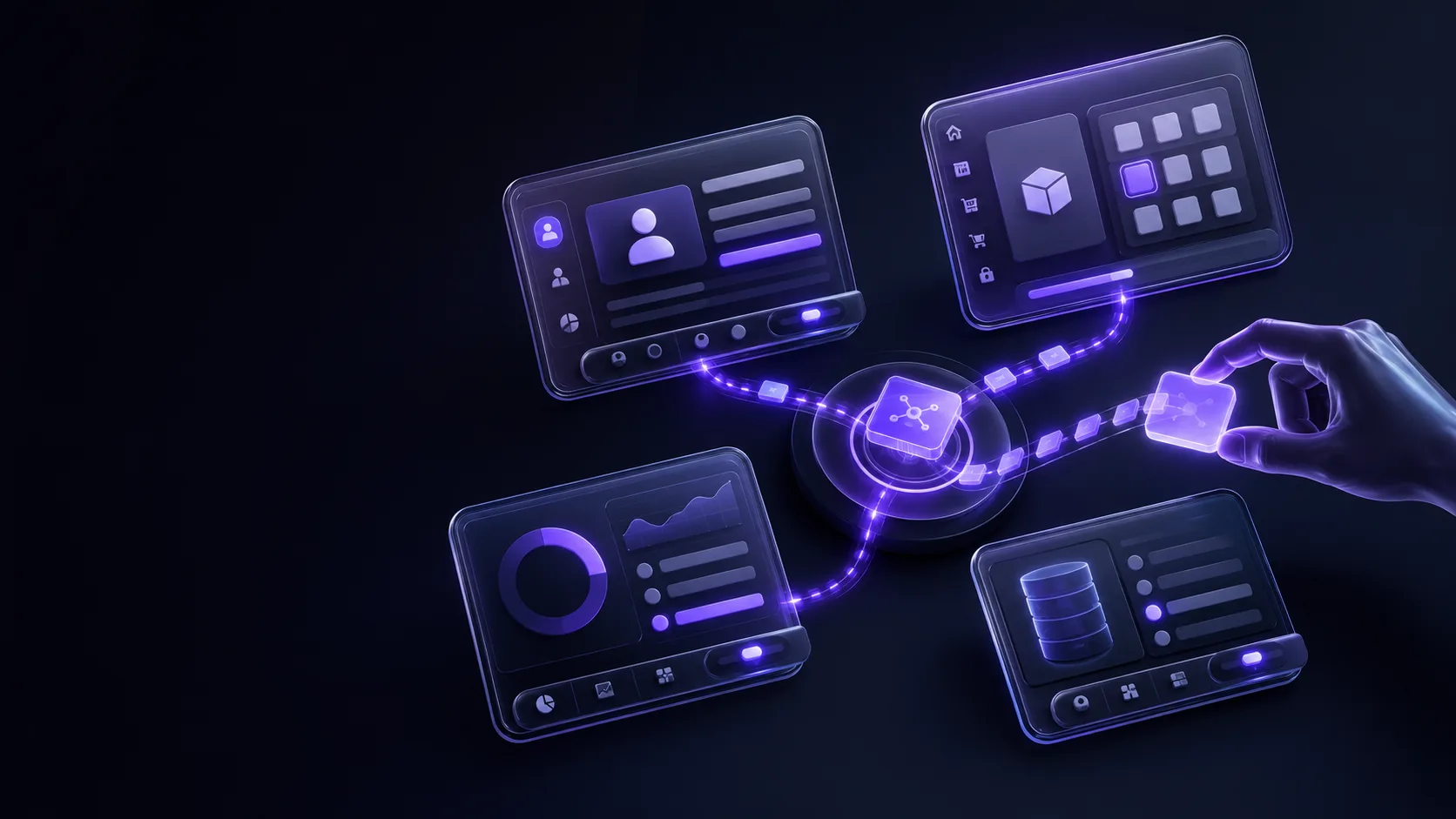
When a customer submits a form on a website, the system can automatically create a contact and deal in the CRM. After payment, an order status can change automatically, inventory can be updated and a confirmation can be sent to the customer. When the order ships, the next status can be triggered without a manager copying anything manually.
The goal of automation is not to remove people from every process. Employees should remain involved where decisions, communication, control or exceptions require human attention.
What should be integrated first?
Start with areas where the same information is entered more than once. Common examples include website-to-CRM connections, CRM-to-accounting flows, e-commerce-to-inventory integrations, payment-to-order updates and CRM-to-notification services.
If an employee regularly opens two systems simply to move information from one to the other, that workflow is a strong candidate for automation.
Integration can be more valuable than another tool
A business does not always need another platform. In many cases, the existing tools are already capable enough, but they operate like separate islands. Connecting them properly can create more value than replacing them.
If an employee is acting as an API between two systems, the real problem is usually not the employee's workflow. It is the missing integration.
Automation starts by finding repetition
One of the easiest ways to identify automation opportunities is to look for information that employees enter more than once. Every repeated copy-and-paste step consumes time, creates another opportunity for error and adds friction to the process. The sooner systems can exchange data automatically, the easier it becomes to scale without increasing manual work at the same rate.